DexLab#
Reproducible contact, friction and manipulation experiments to understand why robots hold or slip, and how to choose and tune a physics simulation.
简体中文 · Quickstart · Full experiment index · Reports
Experiments we have run#
Click an experiment or GIF for the full report and reproduction steps.
Experiment |
Animated preview |
|---|---|
Wuji sphere pinch |
|
RSS wiping |
|
|
|
|
|
|
|
|
|
|
|
|
|
|
|
|
|
|
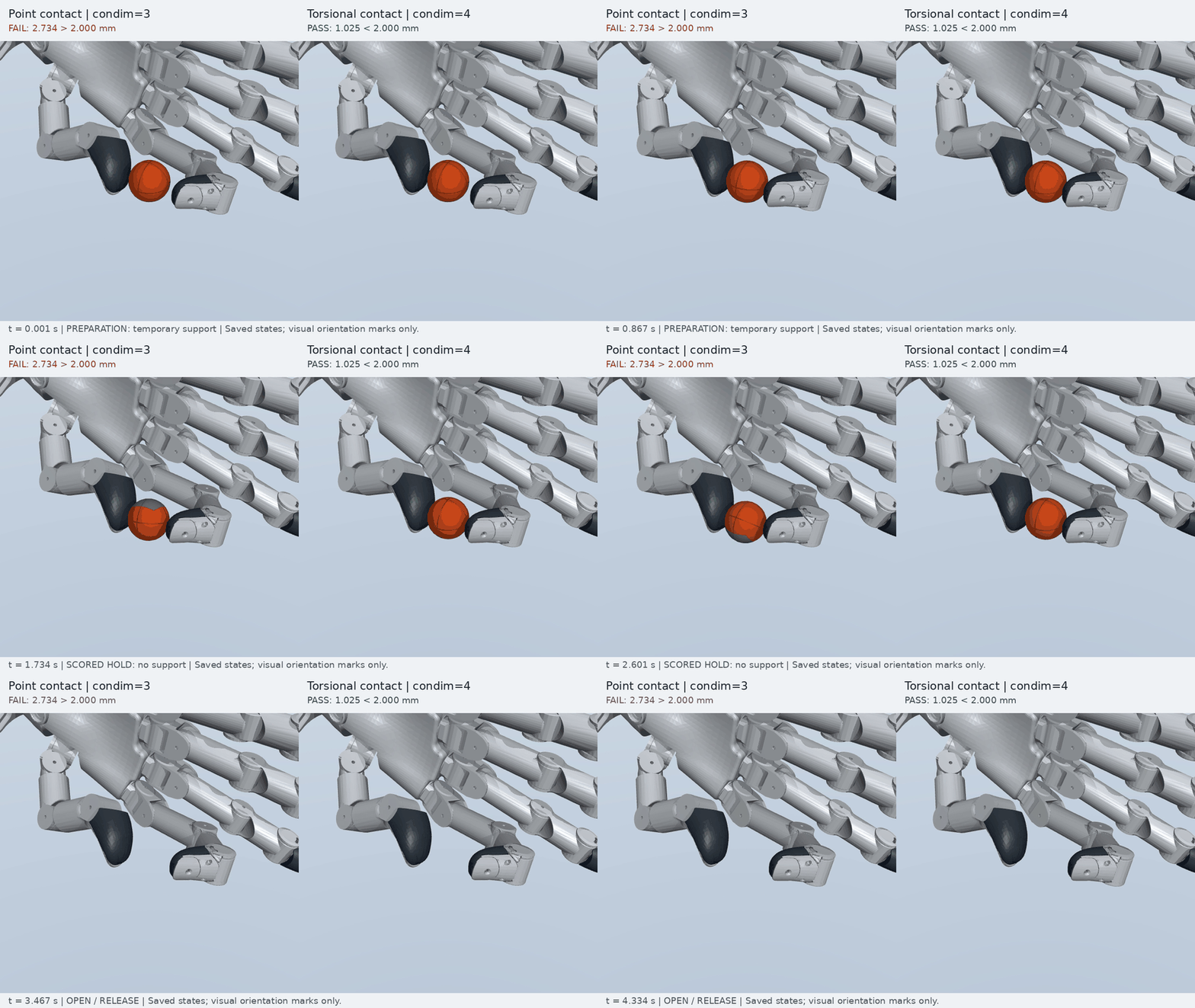
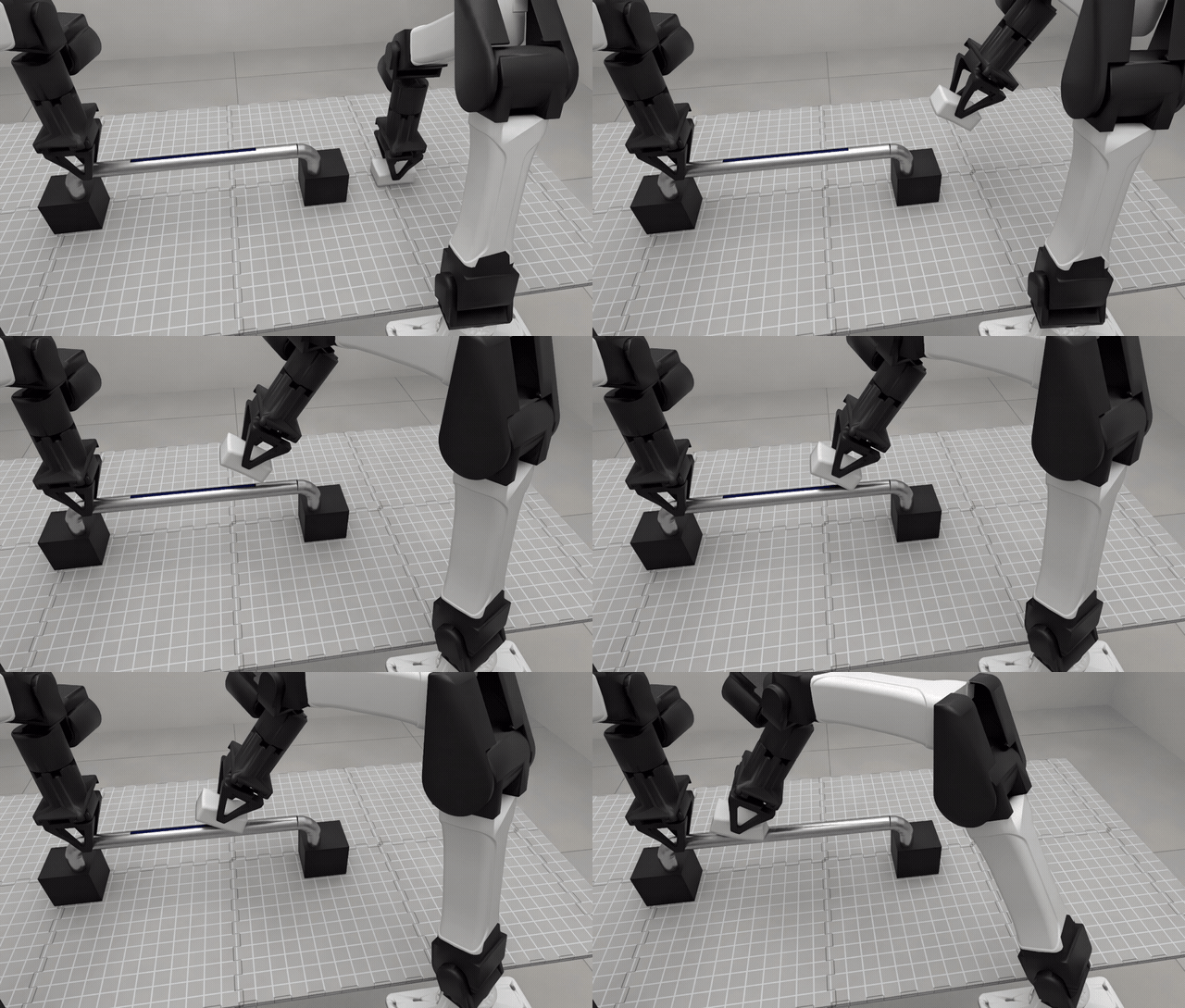
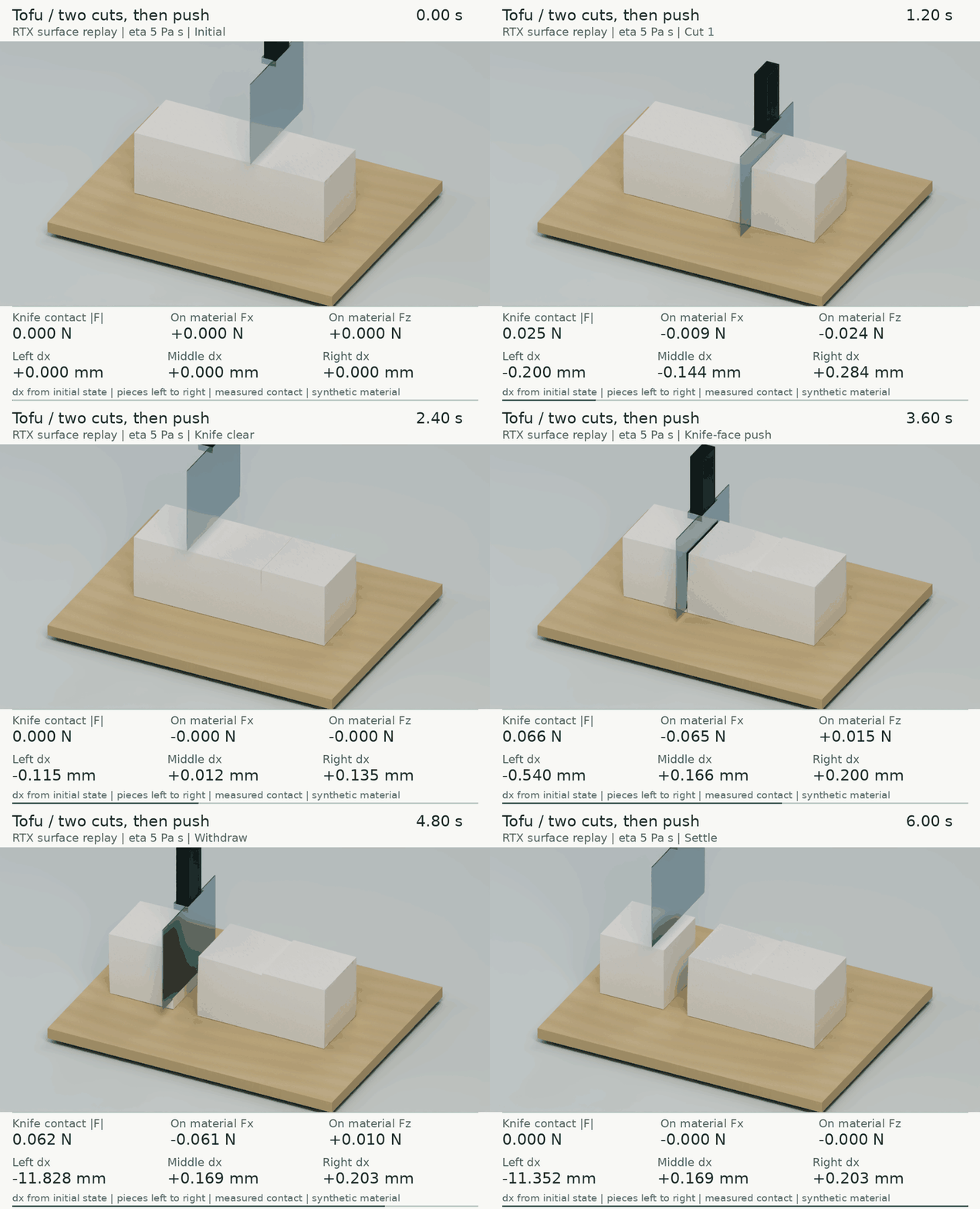
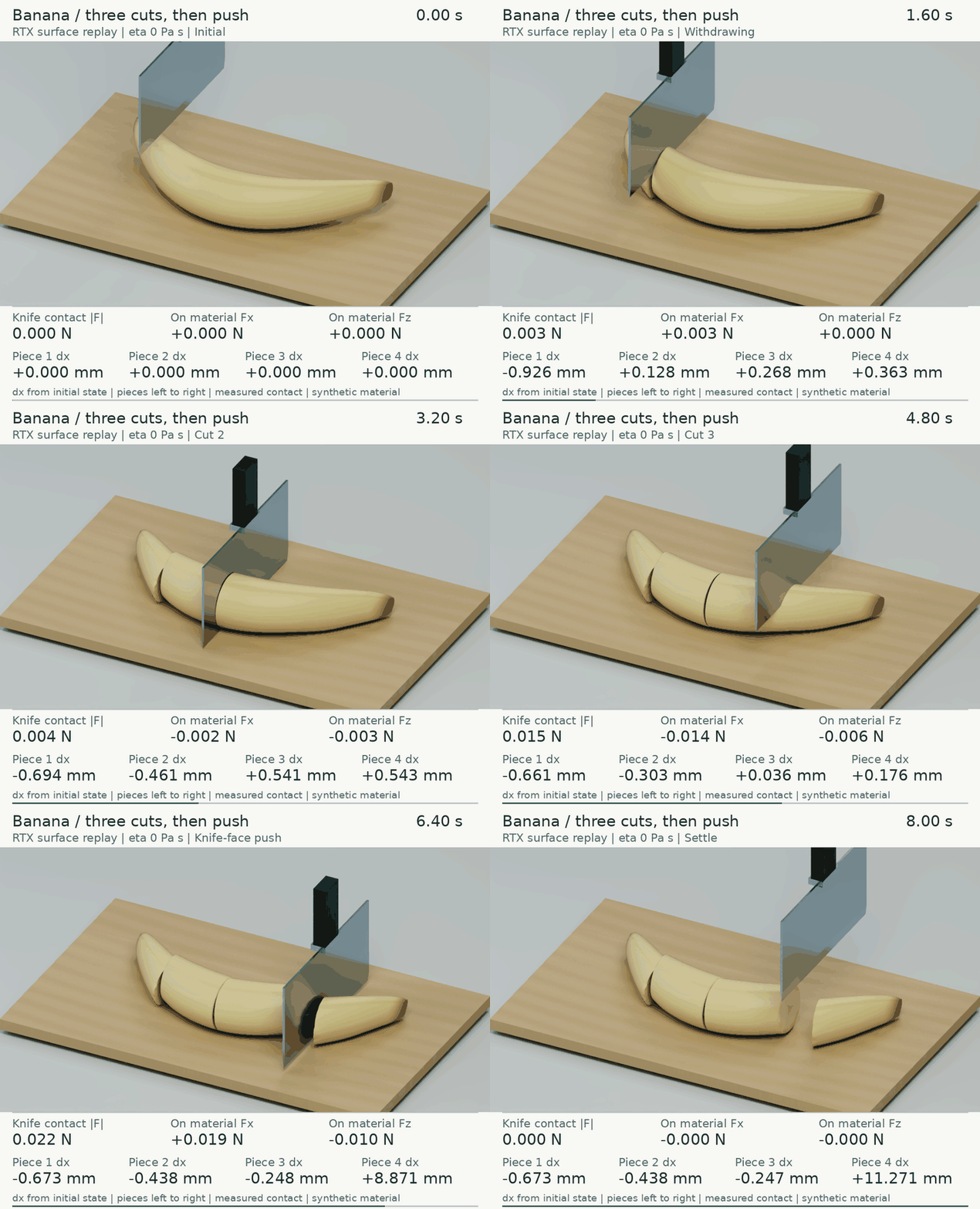
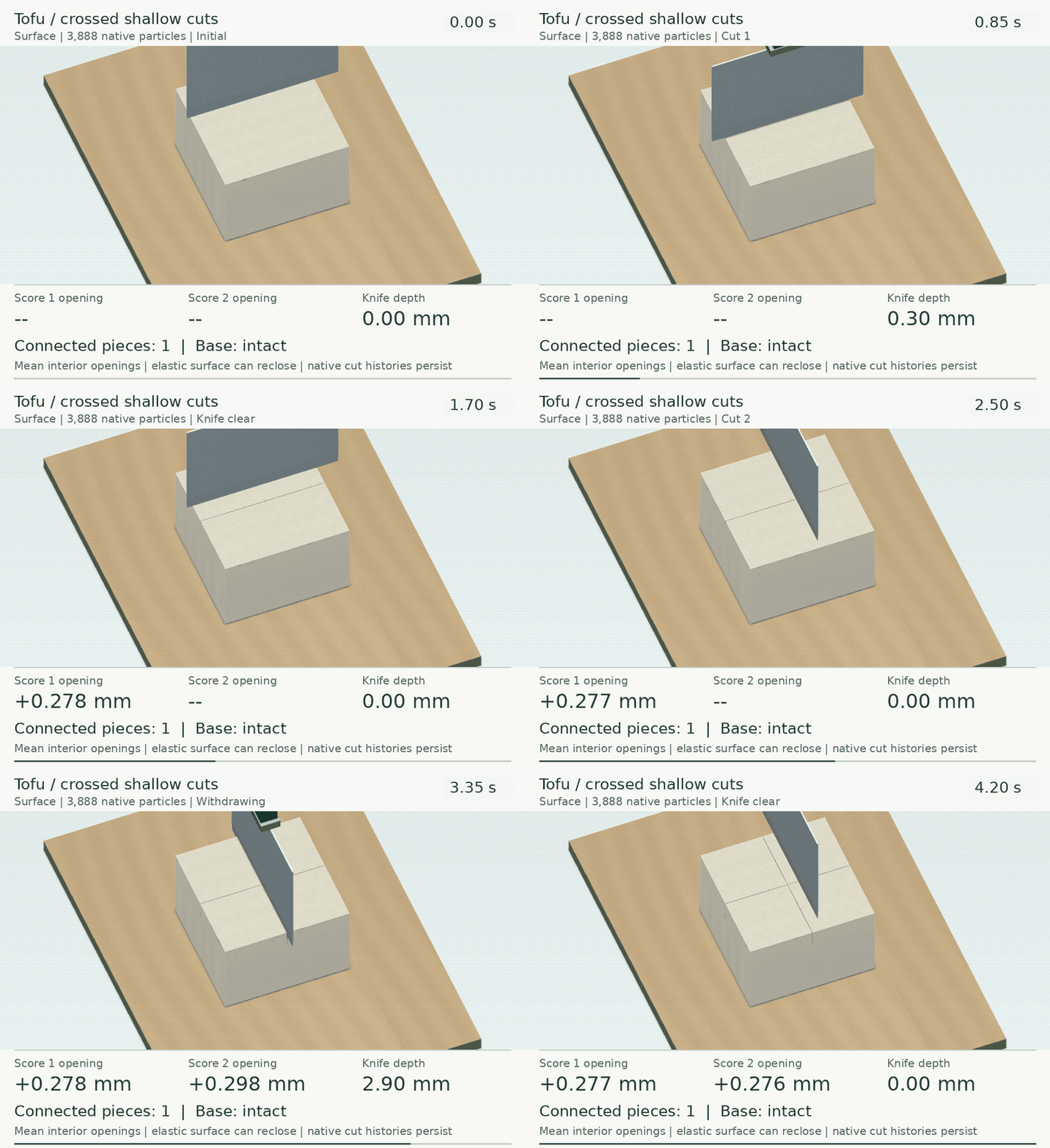
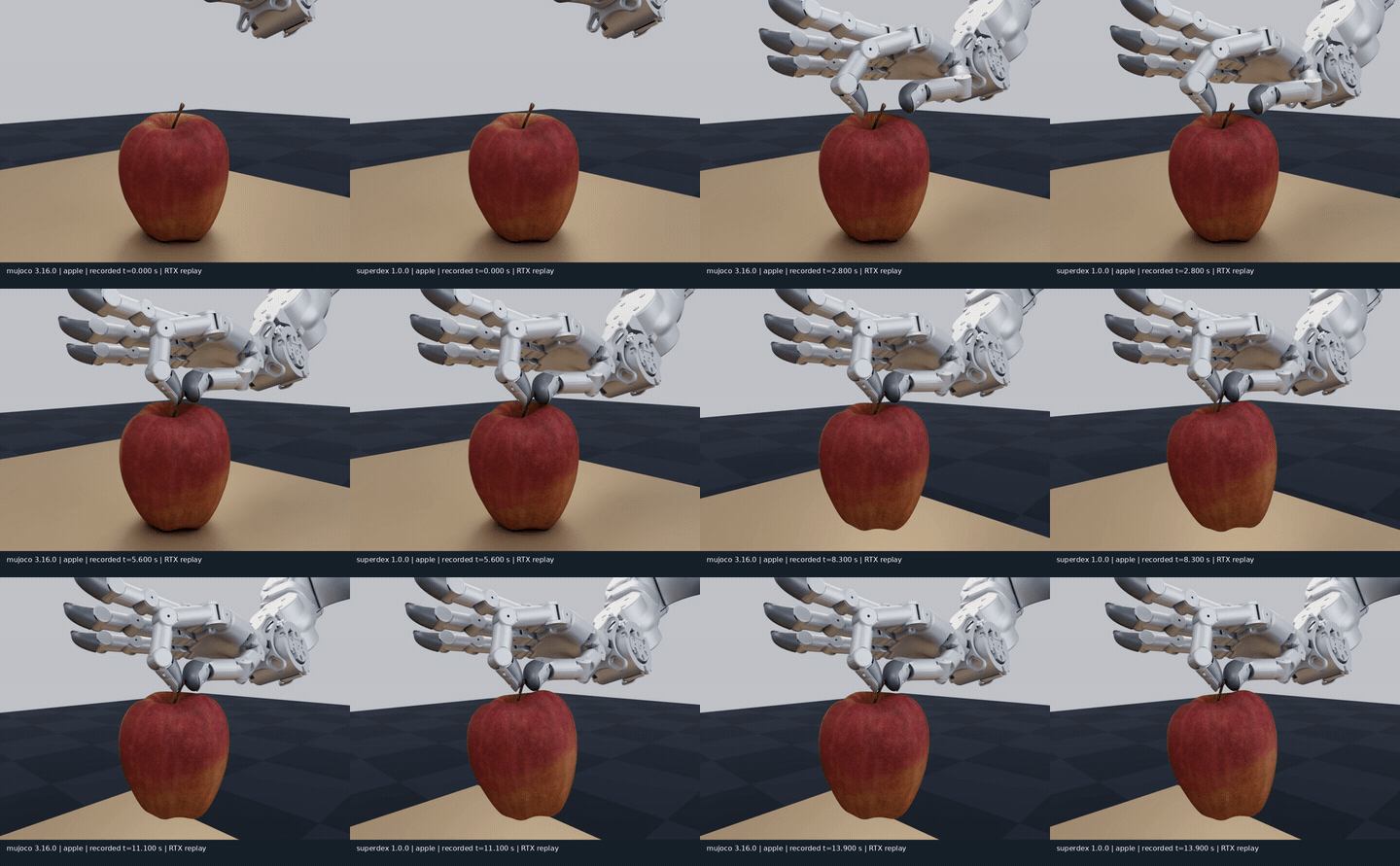
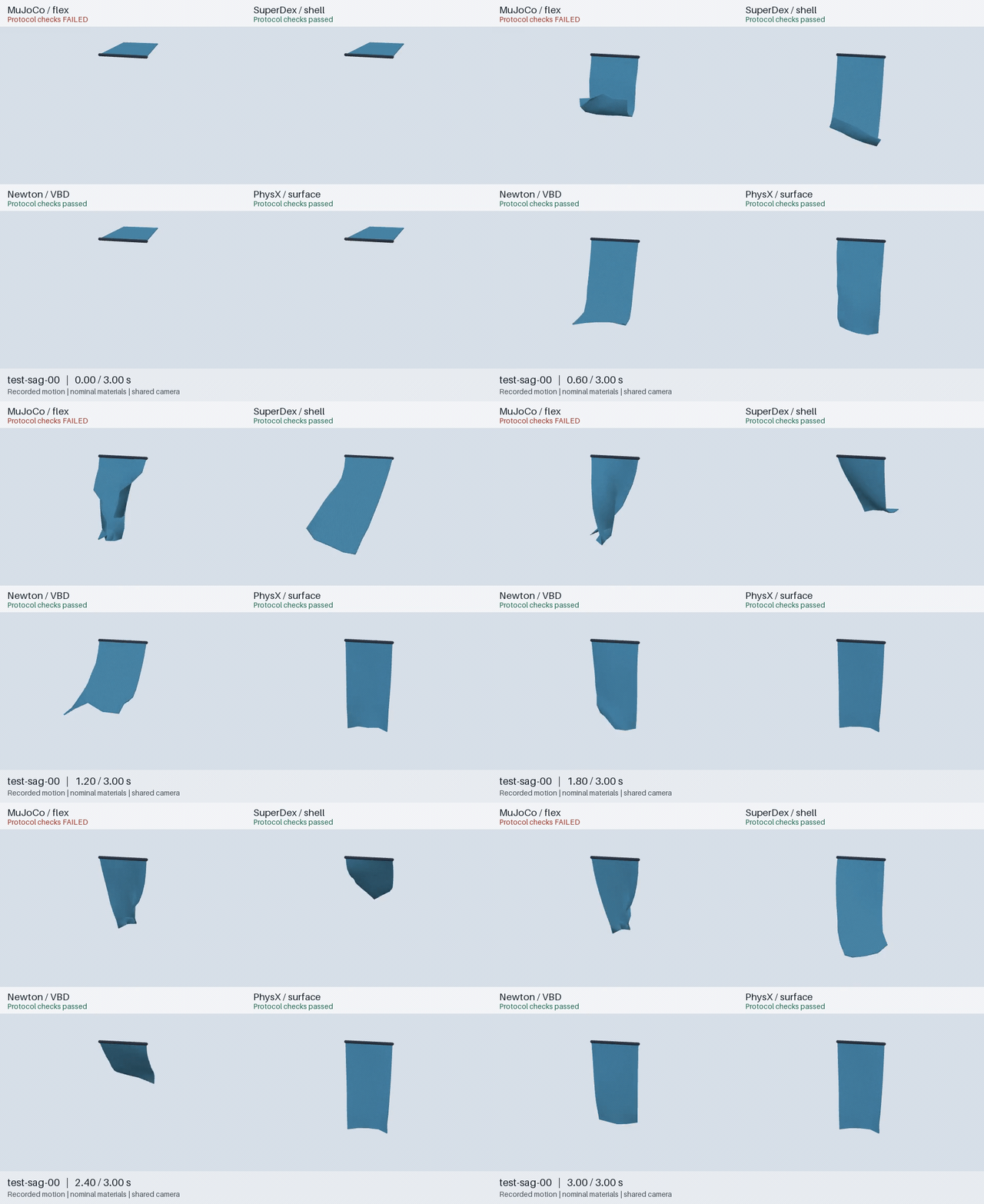
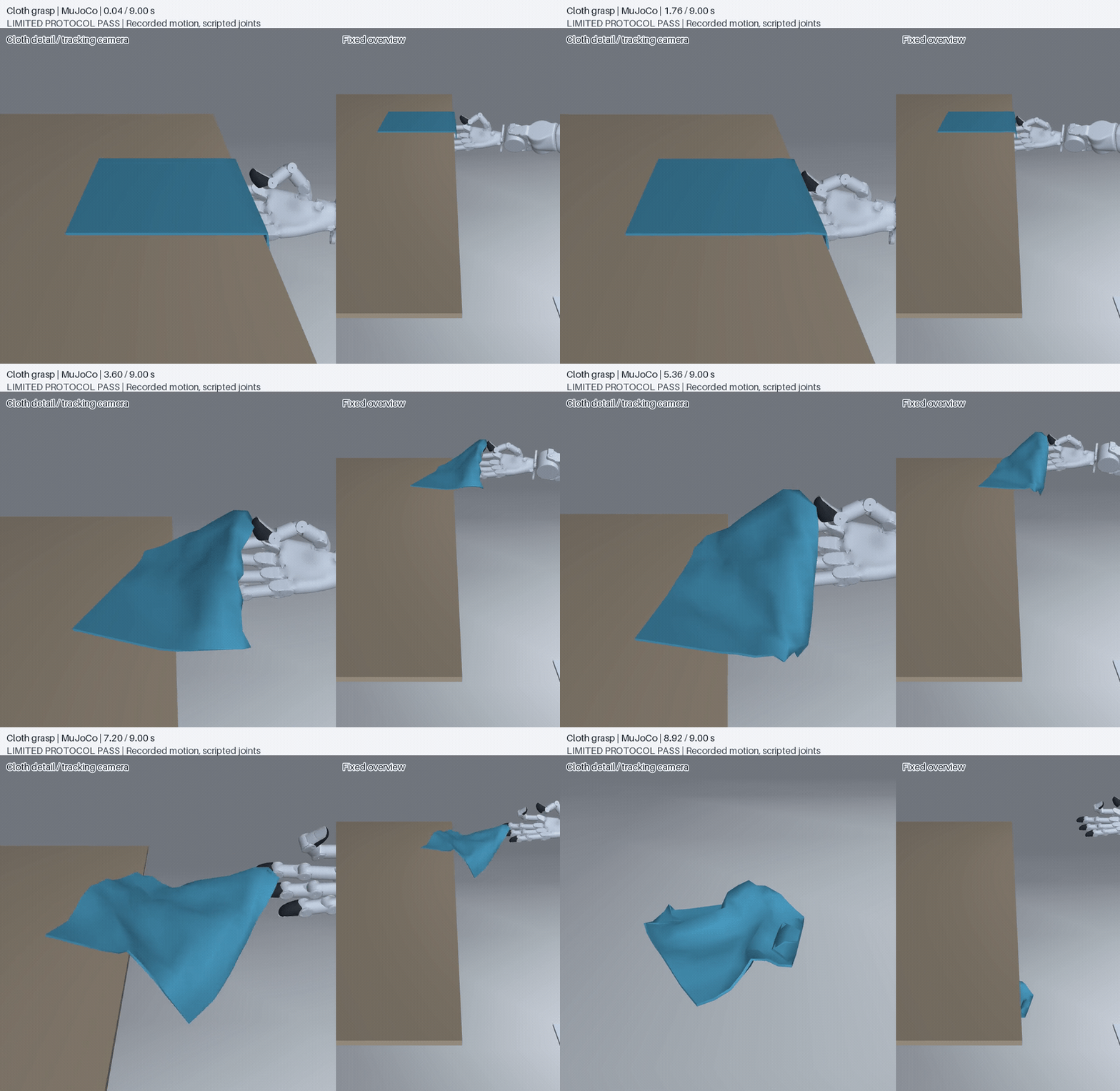
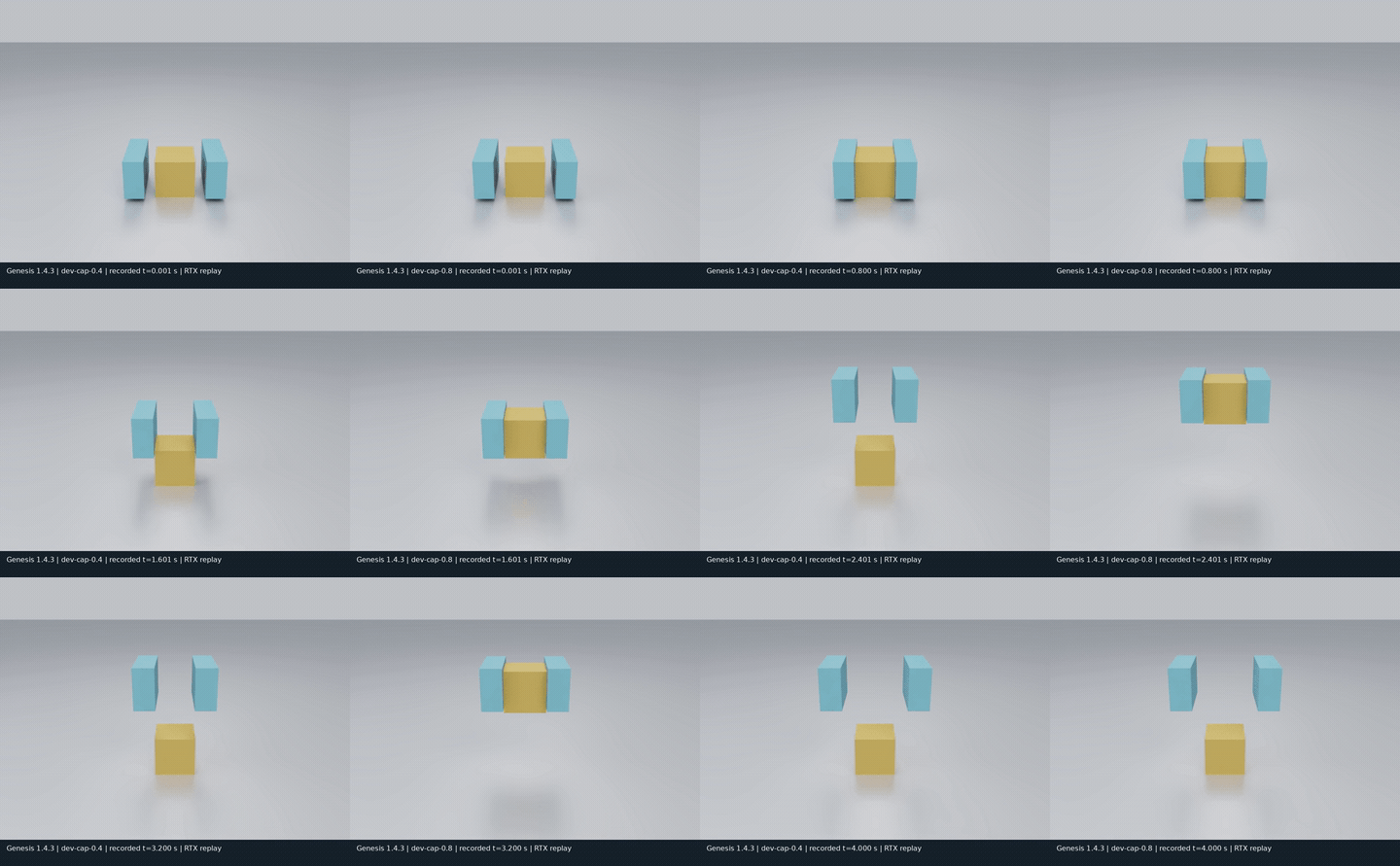
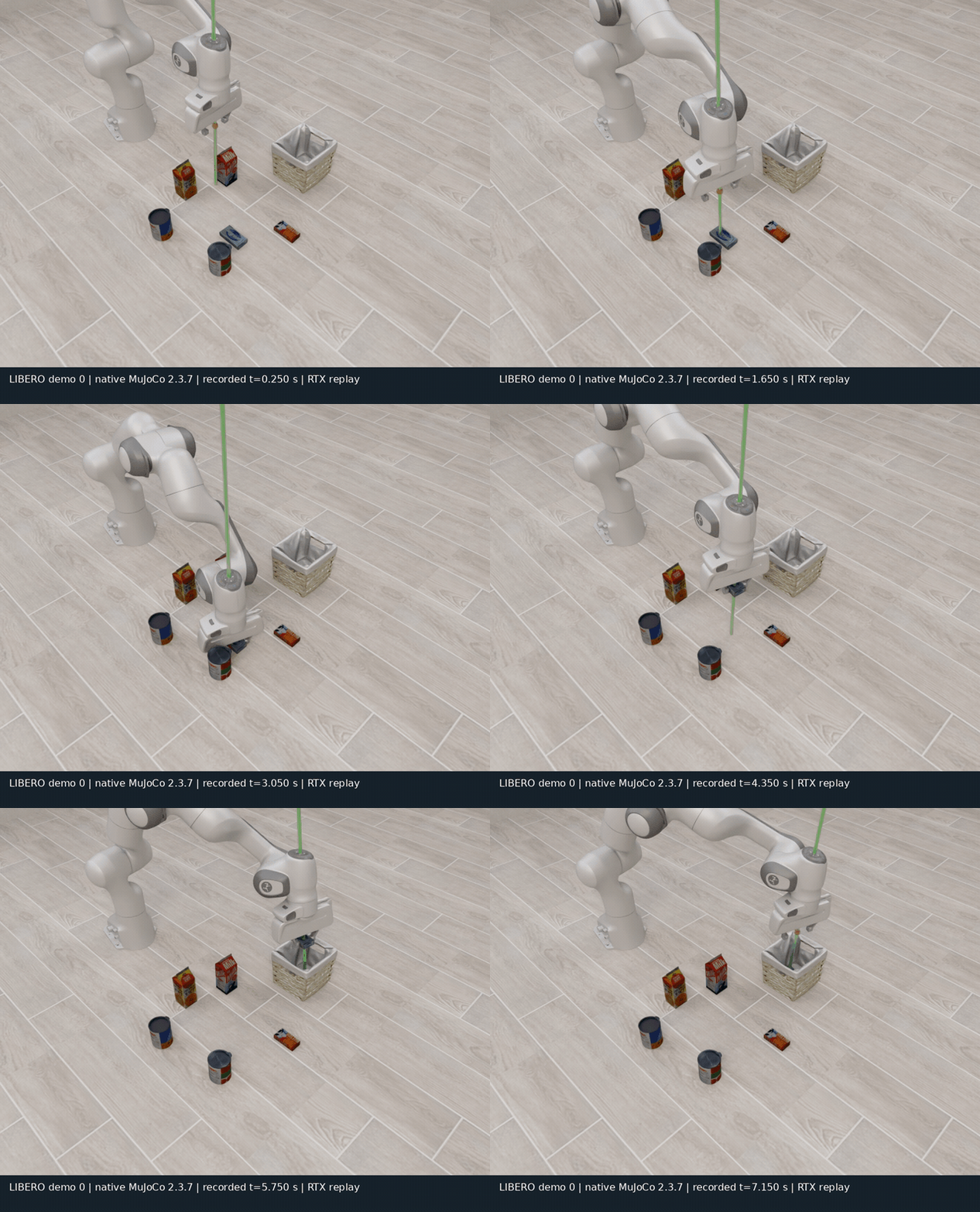
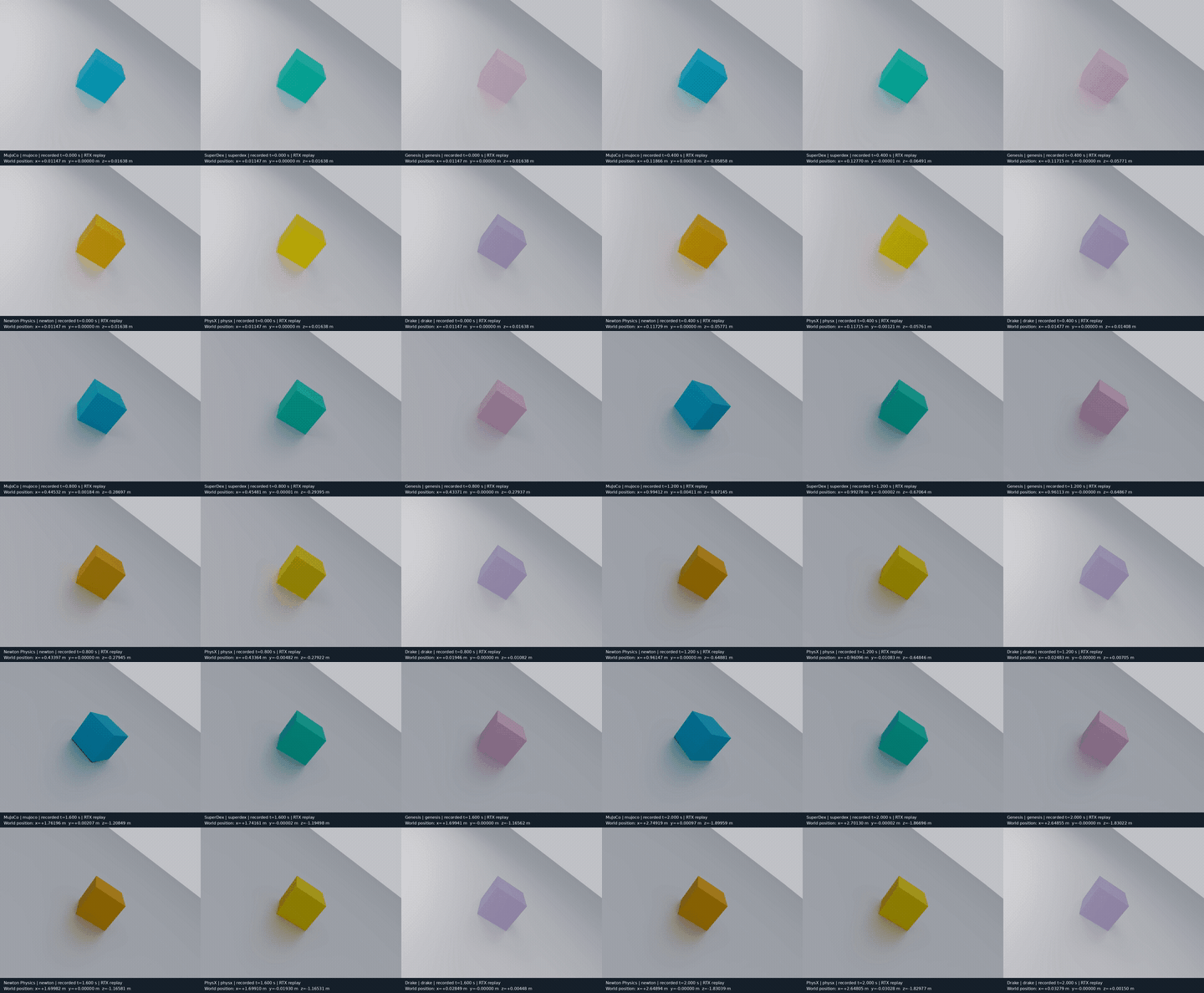
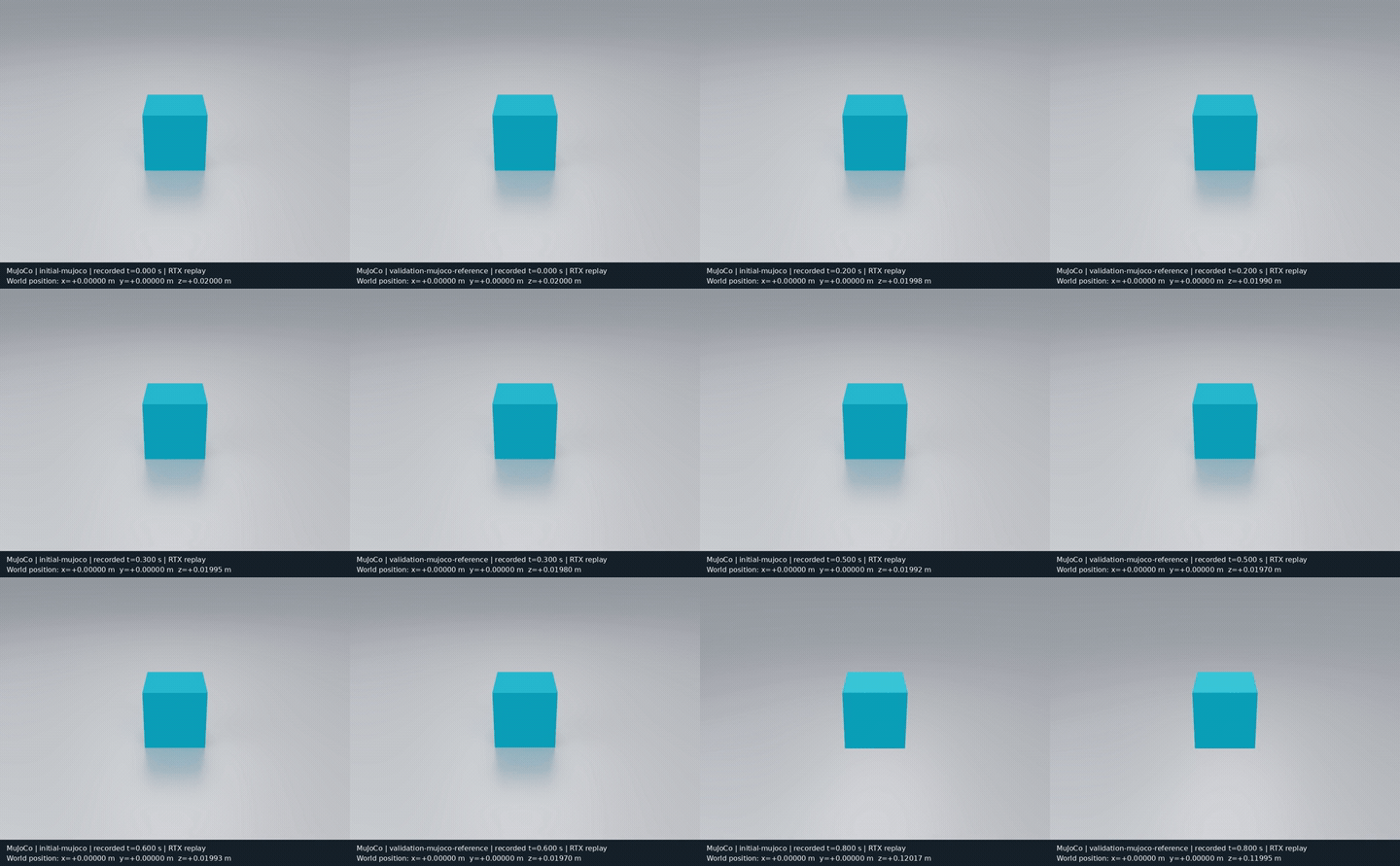
Full experiment index · GIFs show actual simulation or recorded-state replay; results apply to each report’s configuration and conditions.
Which solver failed? reviews RSS tasks, existing failures and attribution limits.
Rescore one wiping pair first (no GPU)#
Download one matched latch / no-latch raw recording pair and recompute displacement and cleaning from particle and ink states. You need uv; the commands use an isolated Python 3.12 environment with only NumPy, Matplotlib and their dependencies. The first run needs network access for source and dependencies. The evidence archive itself is about 126 MiB, expanding to 349 MiB; allow 2 GB of free space. The checkout below includes only the directories needed for rescoring. Rescoring requires no simulator, GPU or model API key.
git clone --depth 1 --filter=blob:none --sparse https://github.com/huangkiki/Dexlab.git
cd Dexlab
git sparse-checkout init --cone
git sparse-checkout set scripts demos/rss-wiping
uv run --no-project --isolated --python 3.12 \
  --with-requirements demos/rss-wiping/offline-requirements.txt \
  python scripts/download_assets.py \
  --manifest demos/rss-wiping/evidence-bundle.json \
  --destination downloads/rss-wiping-v1
uv run --offline --no-project --isolated --python 3.12 \
  --with-requirements demos/rss-wiping/offline-requirements.txt \
  python demos/rss-wiping/rescore_bundle.py downloads/rss-wiping-v1 \
  --output results/rss-wiping-v1
Open results/rss-wiping-v1/comparison.png; the same directory contains two CSV files and report.json. This pair has maximum holding-patch centroid displacement of 0.061 / 449.981 mm and final cleaning of 95.47% / 39.92%. Both records should pass consistency checks; the no-latch task_pass: false is the retained experimental failure, not a failed download or rescore. Choose a new output directory for each rescore.
Raw data and per-file licensing · Scope, failed-attempt index and native rerun prerequisites. The bundle covers one historical pair and does not establish a general solver defect.
To rerun a simulation: apple-stem grasping#
From the checkout cloned above, the existing setup script runs the MuJoCo apple-stem grasp. You need Linux x86_64 and uv, with no model API key. This reproduces the pinned historical demo, not a latest-version six-engine comparison environment. Setup checks the versions and ownership of an existing .venv first. It refuses incompatible or shared environments; preserve them and install in a separate checkout.
git sparse-checkout disable
bash scripts/setup.sh --mujoco-profile historical-3.11.0
bash demos/apple-stem-grasp/run.sh --backend mujoco --output demos/apple-stem-grasp/runs/first-mujoco
After SDF preparation, settling and planning, the viewer shows the stem grasp, lift and hold. Outputs go to demos/apple-stem-grasp/runs/first-mujoco/. Add --headless without a display, or select --backend superdex with a new output directory. The 14 s simulation takes longer in wall time.
.venv/bin/python demos/apple-stem-grasp/src/verify_sdf_grasp.py \
  demos/apple-stem-grasp/runs/first-mujoco
Use a new directory for a second run, check it independently, then compare the reports:
bash demos/apple-stem-grasp/run.sh --backend mujoco --output demos/apple-stem-grasp/runs/second-mujoco
.venv/bin/python demos/apple-stem-grasp/src/verify_sdf_grasp.py demos/apple-stem-grasp/runs/second-mujoco
diff -u demos/apple-stem-grasp/runs/first-mujoco/summary.json demos/apple-stem-grasp/runs/second-mujoco/summary.json
diff returns 1 when reports differ. An explicit directory must be empty; successful and failed records are both preserved. Omitting --output generates a separate directory printed as Run output:; use that actual path for scoring.
The verifier writes summary.json. When every check passes, passed is true; failures retain the individual checks and return a nonzero exit code.
Installation, dependencies and asset provenance · Task interface and commands
When a scene behaves unexpectedly#
Check geometry, mass/inertia, control timing and actual contact readback first. Adjust parameters around one concrete question and evaluate the recorded result independently. See the diagnostic workflow for failures, fixes and next decisions.
Choosing an engine and configuration for a new task#
Find nearby experiments by load, contact scale, sticking/sliding, contact transitions and compliance, then validate candidate configurations. The research includes MuJoCo, SuperDex, Genesis, Newton Physics, PhysX and Drake, with different task coverage and acceptance. See coverage and versions and starting strategies.
How multiple solvers work together#
Simulation time, wall time and data-exchange intervals are distinct. Waiting affects speed, while delayed feedback can also affect the interaction. Understand synchronization, iteration and preCICE through a finger-and-sponge example. preCICE is a methodological reference here, not an integrated DexLab component.
Current limits and further reading#
Classical physical laws and existing empirical relations serve as references. Success applies to each experiment’s versions, scenes and criteria. Task success, numerical diagnostics and real-world physical accuracy are reported separately. In-hand rotation, active folding, real-material calibration and vision-policy capability still need their own validation.
Research findings · Solver configuration roles · Research directions · External references · Data and releases
Development and acceptance · Current work and pause state